All your games, in one quiet place.
Cove is a small launcher for all your games. Steam, GOG, Epic and the old stuff on the external drive, in one calm library. No ads, no feed, no extra account.
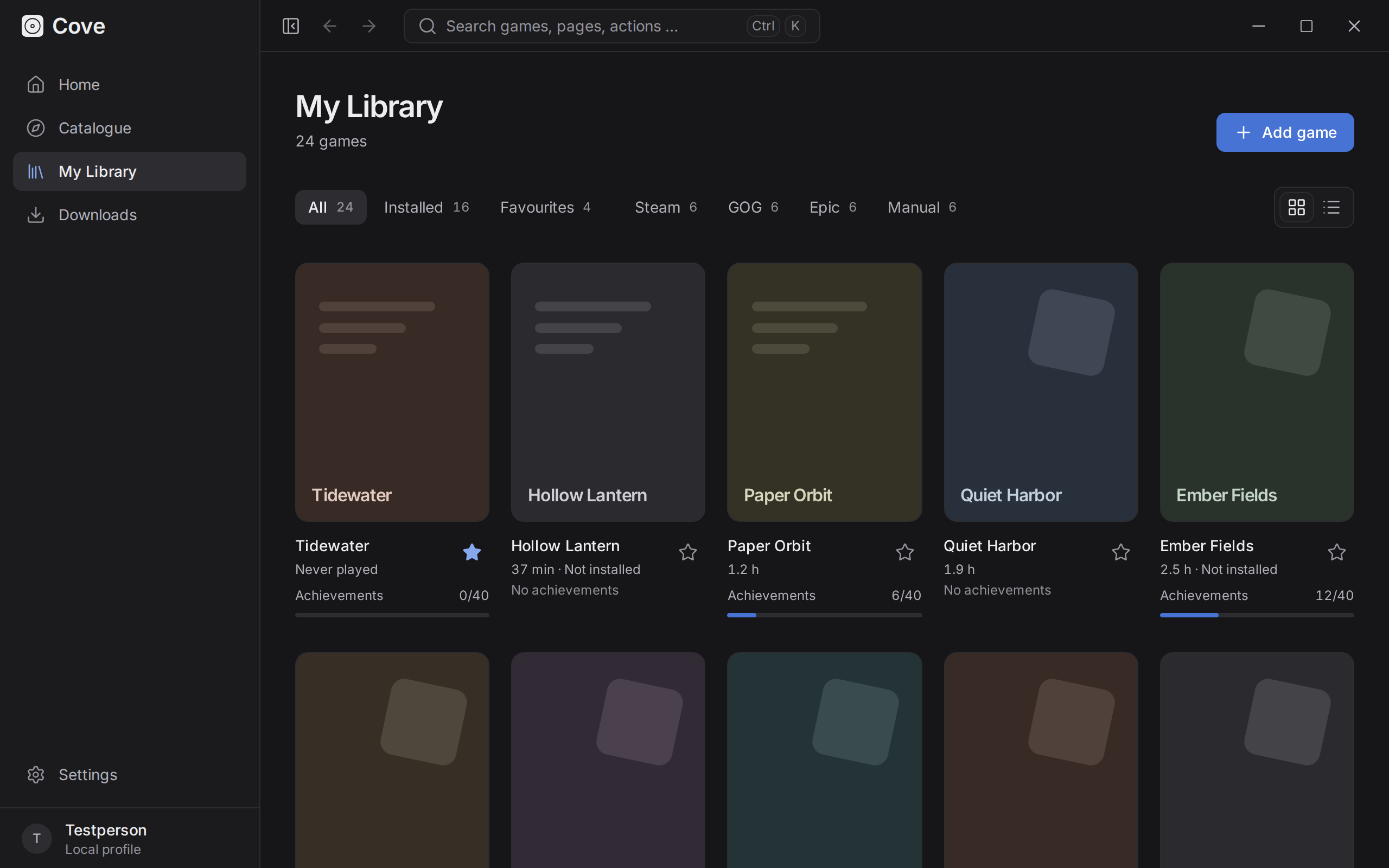
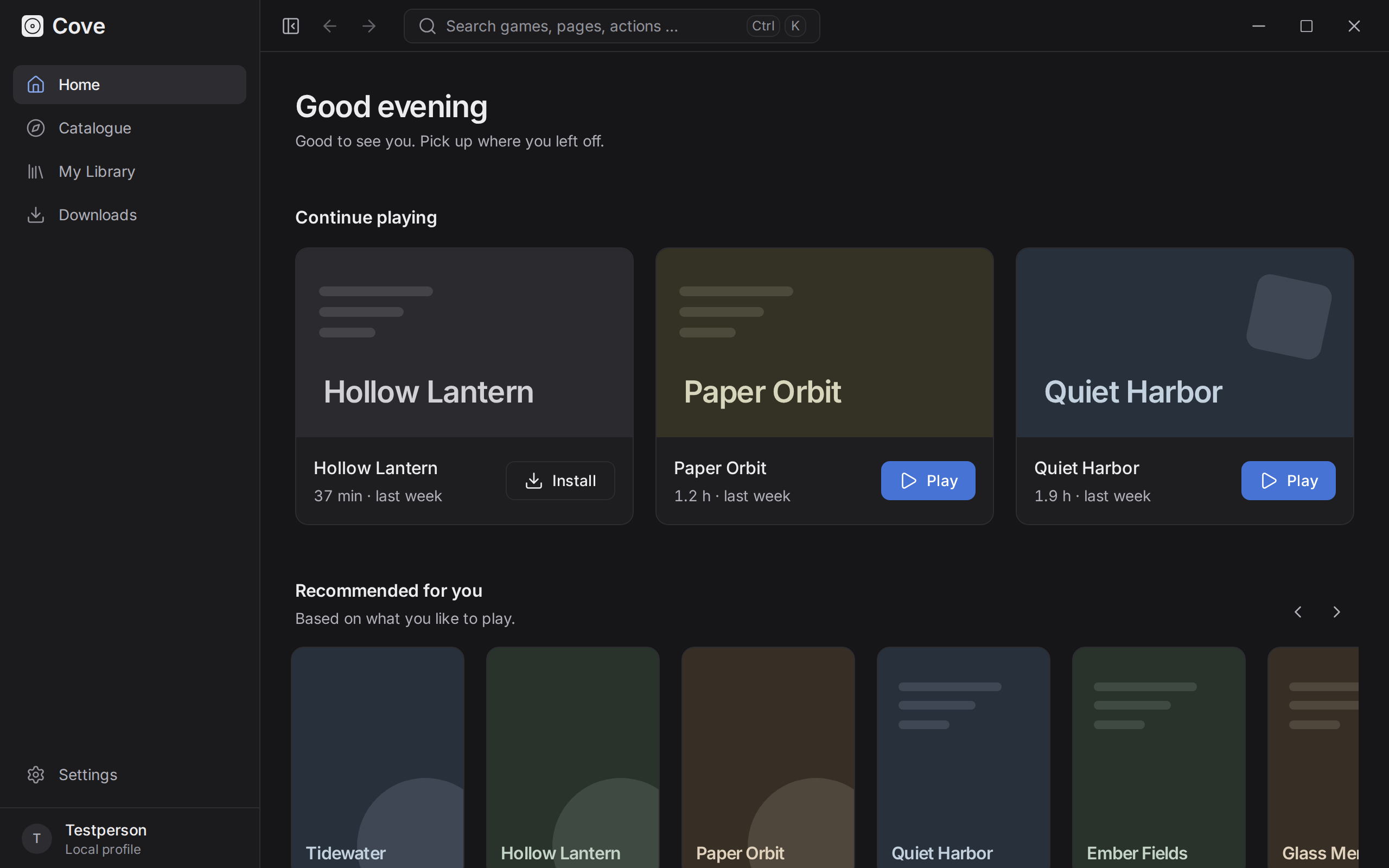
This is what it looks like.
A real screenshot, taken from the app with made-up example games. Cove is dark on purpose: it’s usually the evening when you play.
Example games. Your library will look more like your library.
What Cove does
Not much more than it needs to. But that part, properly.
One library for everything
Steam, GOG, Epic, itch.io and your own folders in one list, as a grid or a list, grouped by store, favourites or what’s installed. Games already installed locally are found without signing in. Also stays smooth with a few thousand games, in case you’re that person.
Start games, count the hours
Launch natively, through the store’s own client, or on Linux through Proton or Wine, with your own arguments if you need them. Cove counts playtime quietly in the background and shows you the last 14 days. Make of that what you will.
A catalogue to browse
Search and filter by genre, platform, year and rating. The data comes from IGDB through Cove’s own small server, so you don’t need API keys. Recommendations are worked out on your computer, each with a short reason why.
Downloads, the legal kind
DRM-free games, mods and patches via direct link, plus your itch.io purchases. Pause, resume after a restart, checksum check, unpacking. Store games are installed by their own client, never by Cove.
Achievements and plugins
Achievements from the stores, plus a few of Cove’s own. If something’s missing, you can write a plugin in plain JavaScript. Plugins run in a sandbox and only get the permissions you approve.
And the small things
- Fully usable with the keyboard, Ctrl+K opens everything
- English and German, including the error messages
- Updates itself (Windows and AppImage)
Coming soon
- macOS
- A signed Windows build, so Windows stops grumbling
Local & private
Your games are your business.
- Stays on your computer.
- Library, playtime and settings live in a small database on your machine. What does go online: catalogue lookups (through Cove’s small server to IGDB) and syncing with the stores you signed in to. There are no user accounts on our side to collect anything in.
- No Cove account.
- You sign in to Steam, GOG or Epic on their own login page. Cove never sees your password; tokens go into your system’s keyring.
- Open source.
- MIT licensed. If you’d like to check any of this, the code is right there.
Questions
The ones people actually ask.
Does it cost anything?
No. Cove is free and open source under the MIT licence. No ads, no premium tier, no “Pro” version waiting around the corner.
Which systems does it run on?
Windows (installer as .exe or .msi) and Linux (.AppImage, .deb, .rpm). macOS is coming later.
Why does Windows block Cove?
Windows trusts apps that are signed with a code signing certificate and that it has seen many times before. Cove isn’t signed yet; we’ve applied for free signing for open source projects. Until then, SmartScreen shows a blue warning: click More info, then Run anyway. Smart App Control is stricter and doesn’t allow exceptions. If it’s on, Cove won’t start until the signed build is out, unless you switch it off in Windows Security. Switching it back on may require resetting Windows, so think about that first.
Where does the game data come from?
Titles, covers, genres and release dates come from IGDB. Cove asks a small server of its own, which holds the API keys, so you don’t need any. Results are cached on your computer, so the catalogue also works offline.
Can I help?
Gladly. Bugs and ideas go in the GitHub issues, pull requests are welcome, and if you’d like to add something yourself, there’s a plugin guide.